Overview
This page demonstrates every feature built for the Support Page content type: an auto-generated table of contents with nested sub-headings, callout boxes, a standard-size video embed, standard-size images, a Relevant Articles sidebar, and a Related FAQs accordion. Use the "Print this article" button above to see the print-friendly layout (it hides the video and shows a link instead).
Getting Started
This section has two sub-headings below it, and one of those has its own two further sub-headings - showing all three table-of-contents levels.
Create an account
Sign up for a free account to get started.
Download the app
The app is available for both major mobile platforms.
iOS installation
Install from the App Store.
Android installation
Install from Google Play.
Media Examples
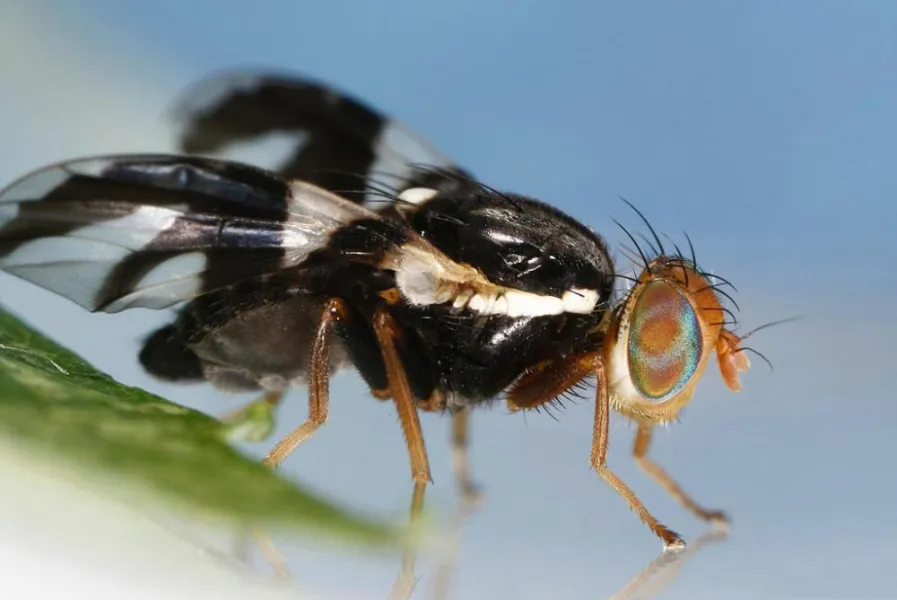
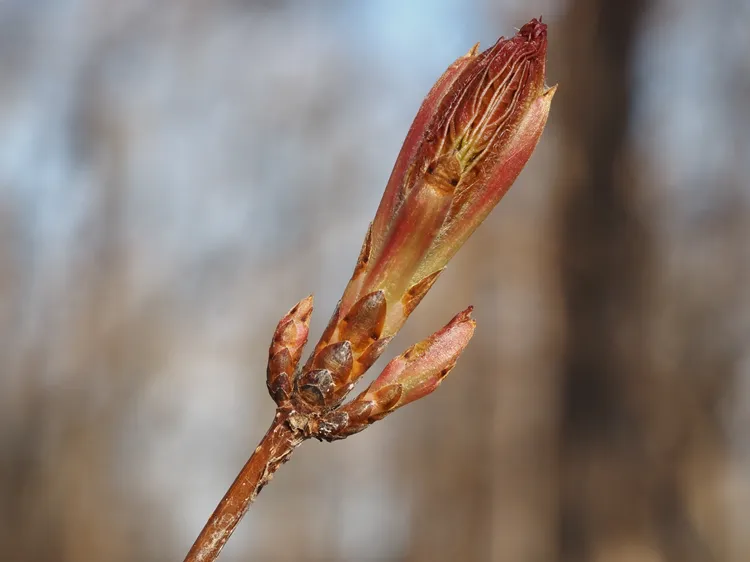
A standard-size image (using the Image paragraph's Image Style, rather than pasting an inline image into a text block):
A standard-size video embed (always rendered at a consistent 16:9 size regardless of the source):
Video: Example Video — https://www.youtube.com/watch?v=CX-6erCa6So
Callout Box Examples
Use this style for neutral, helpful context - similar to eBird's "New to birding" box.
Use this style to flag something readers need to double-check before proceeding.
Use this style for an optional best-practice suggestion.
Use this style for a critical warning readers must not miss.
Wrap Up
See the Relevant Articles sidebar and the Related FAQs accordion below for the two remaining features.